
PoliDisin™ AIR
Instructions for treatments and duration settings

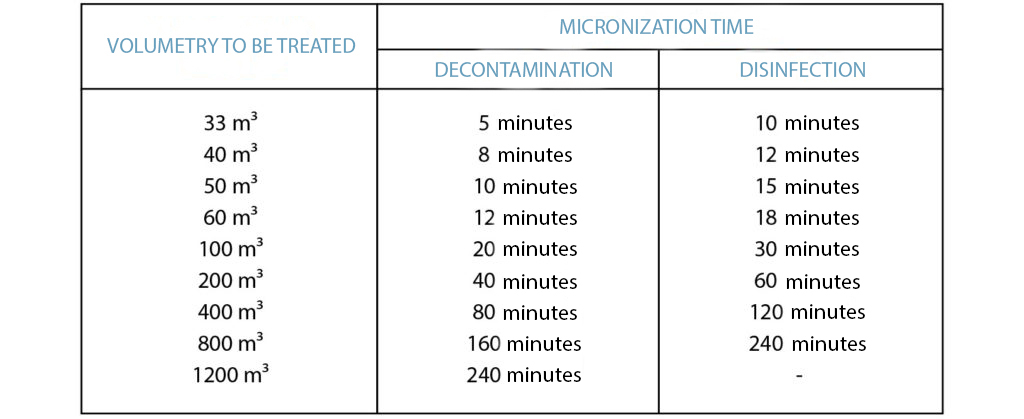
Find below the table with the information concerning the treatment’s duration settings according to the volumetry:
On the device’s screen, when it displays the time and the emission time, keep pressing button 1 (red) for 5 seconds to access the time selection section.
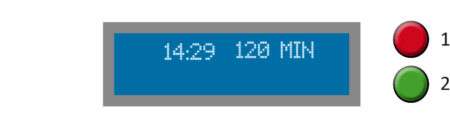
The text “SET DURATION” will appear and the digits indicating the micronization time will start to flash. Select the treatment’s duration time with button 1 (red) and confirm it with button 2 (green).
